Getting started · For owners
Your first fortnight
A checklist for the two weeks after you sign up, from finishing setup to your first pay period.
This is what to get through in the two weeks after you sign up, so your first pay period closes cleanly rather than with gaps you are chasing after the fact.
Set the business up
- Finish the three setup steps if you have not already — timezone, pay period, your first project with its roles (rates can wait), and your staff.
- Add every client and project you actually have work for, each with its own rates — see set up your clients and projects.
- Add any Task types and Items your staff use beyond the three you started with — Site work, Travel and Lunch are a starting point, not the whole list.
- If you signed up before 16 October 2026, your Lunch is still paid. To leave unpaid breaks out of pay, open Task types and set Lunch's Kind to Unpaid. Businesses that signed up since start with it set.
Your setup checklist
Home shows a short setup checklist, in this order:
- Add your first project.
- Invite your staff.
- Record hours.
- Send payroll, export, or raise a docket.
- Connect Xero. Skip this one if you do not use Xero.
The first two reopen the setup wizard where you left off, so you never start it again from the top. Each step ticks itself off once you have done it.
Get everyone working
- Invite somebody to your team.
- Get everyone to put HoursEasy on your home screen.
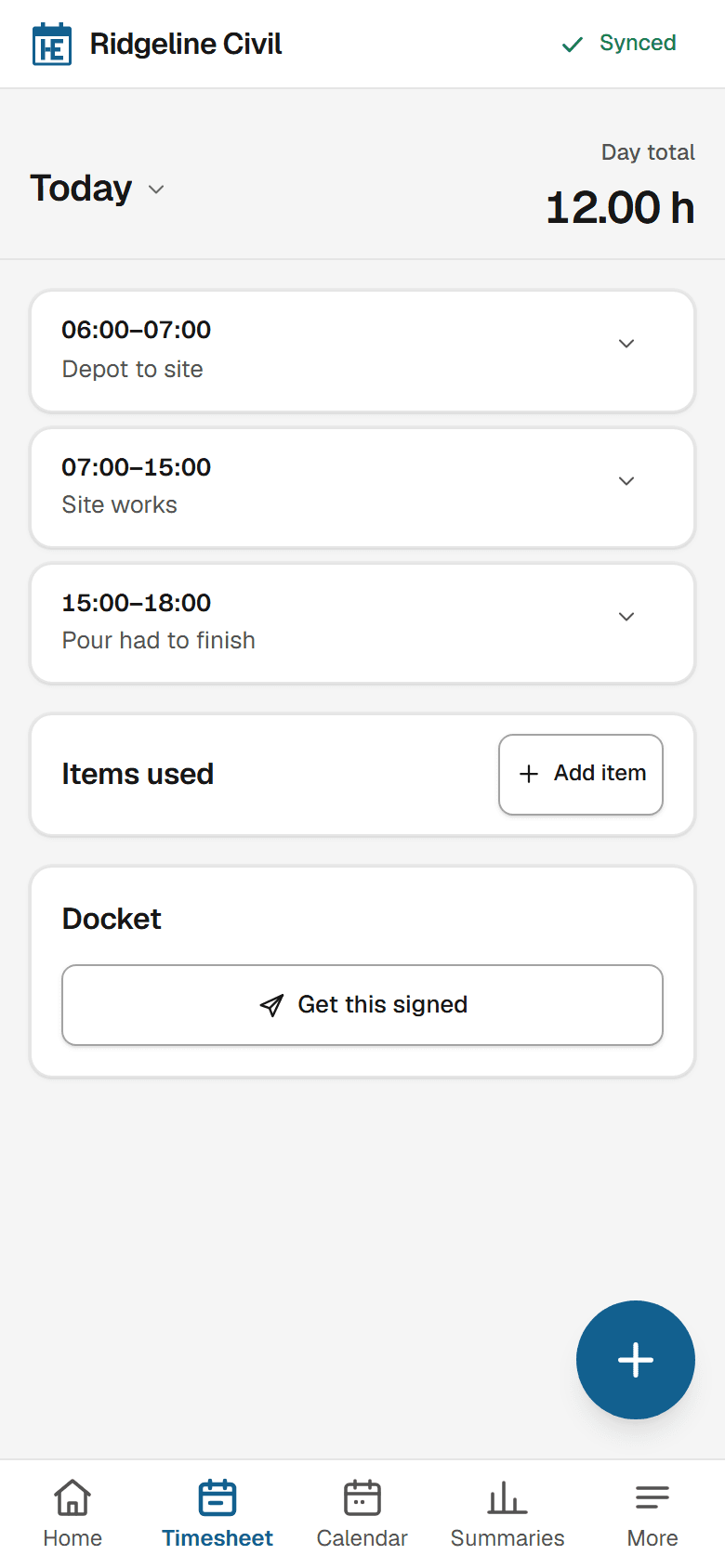
- Record a real day yourself — an entry, and anything you used — so you know what your staff are about to do.
Close the fortnight
Once the period is over, check the hours on Summaries before anything goes further — this is where a person who has not synced or a day nobody recorded shows up while it is still easy to chase.
Once everyone's hours are in, the period is sent for payroll and for invoicing. If a step here does not match what you actually see, check troubleshooting first, or email hello@hourseasy.com.
Still stuck? Email hello@hourseasy.com. All help articles